ARM64 native · v4.13 · 4.9 MB

Rufus ARM64 Download
— Native for Windows on ARM

Native ARM64 build for Surface Pro X, Snapdragon-powered laptops and other Windows on ARM devices. Runs without x64 emulation overhead — faster start, less battery drain.

Which Devices Need the ARM64 Build?

If your Windows 11 installation is x64 (the common case), you do not need this page — use the Standard x64 build instead. The ARM64 build is specifically for Windows on ARM devices.

Devices this build targets

  • Surface Pro X (SQ1, SQ2)
  • Surface Pro 9 with 5G (SQ3)
  • Surface Pro 11 (Snapdragon X Elite)
  • Lenovo ThinkPad X13s
  • Samsung Galaxy Book Go (Snapdragon)
  • HP Dragonfly Pro with Snapdragon X Elite
  • Any Copilot+ PC with Snapdragon chip
Rufus ARM64 download Windows on ARM Surface Pro X bootable USB tool
ARM64 build facts:
  • ✓ Native ARM64 code — no emulation
  • ✓ 4.9 MB (static runtime)
  • ✓ Signed by Akeo Consulting
  • ✓ Windows 11 ARM64 only
  • ✓ Same features as x64 build

Why Pick Native ARM64 Over x64 Emulation?

⚡ Faster start

Windows on ARM emulates x64 binaries through the Prism translation layer. Native ARM64 skips the translation step and starts in about a third of the time.

🔋 Less battery drain

Emulation is CPU-intensive. On a laptop running on battery, a native ARM64 build that writes a 5 GB ISO consumes noticeably less power than the emulated x64 version.

🧩 Better hardware access

Direct access to ARM64 USB drivers without going through an emulation shim. Tangible difference when writing to high-speed USB 3.2 sticks.

📦 Larger file size

ARM64 build is 4.9 MB vs 1.9 MB for x64. The difference is a statically-linked runtime — the x64 build relies on system DLLs that ship with every Windows.

Not Sure If You Are on ARM?

Open Settings → System → About. Under Device specifications, look at the System type line:

  • "64-bit operating system, ARM-based processor" → use this page's download
  • "64-bit operating system, x64-based processor" → use the standard x64 build
  • "32-bit operating system" → use the x86 build

If the phrase "ARM" or "Snapdragon" is not in the spec, you do not need this build.

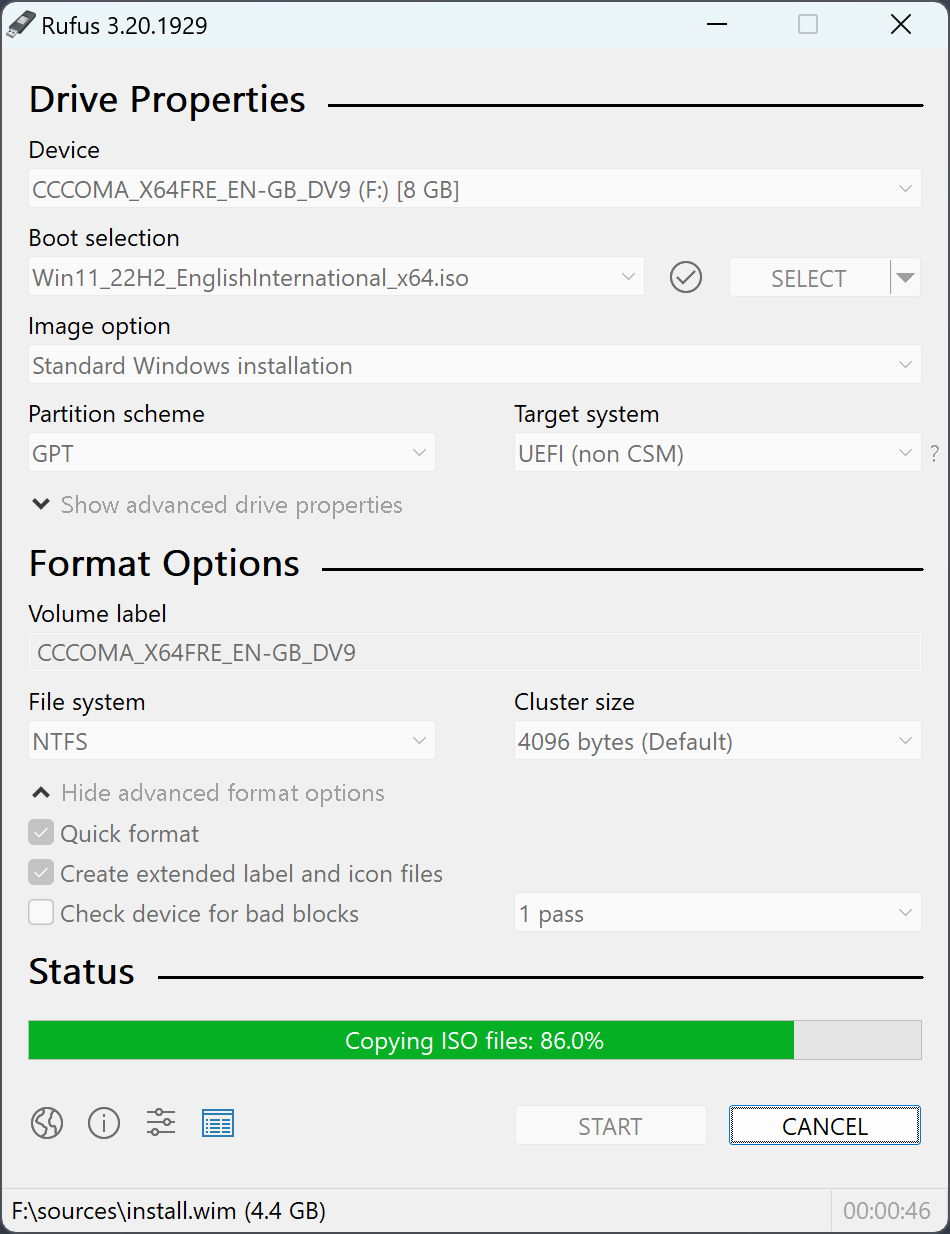
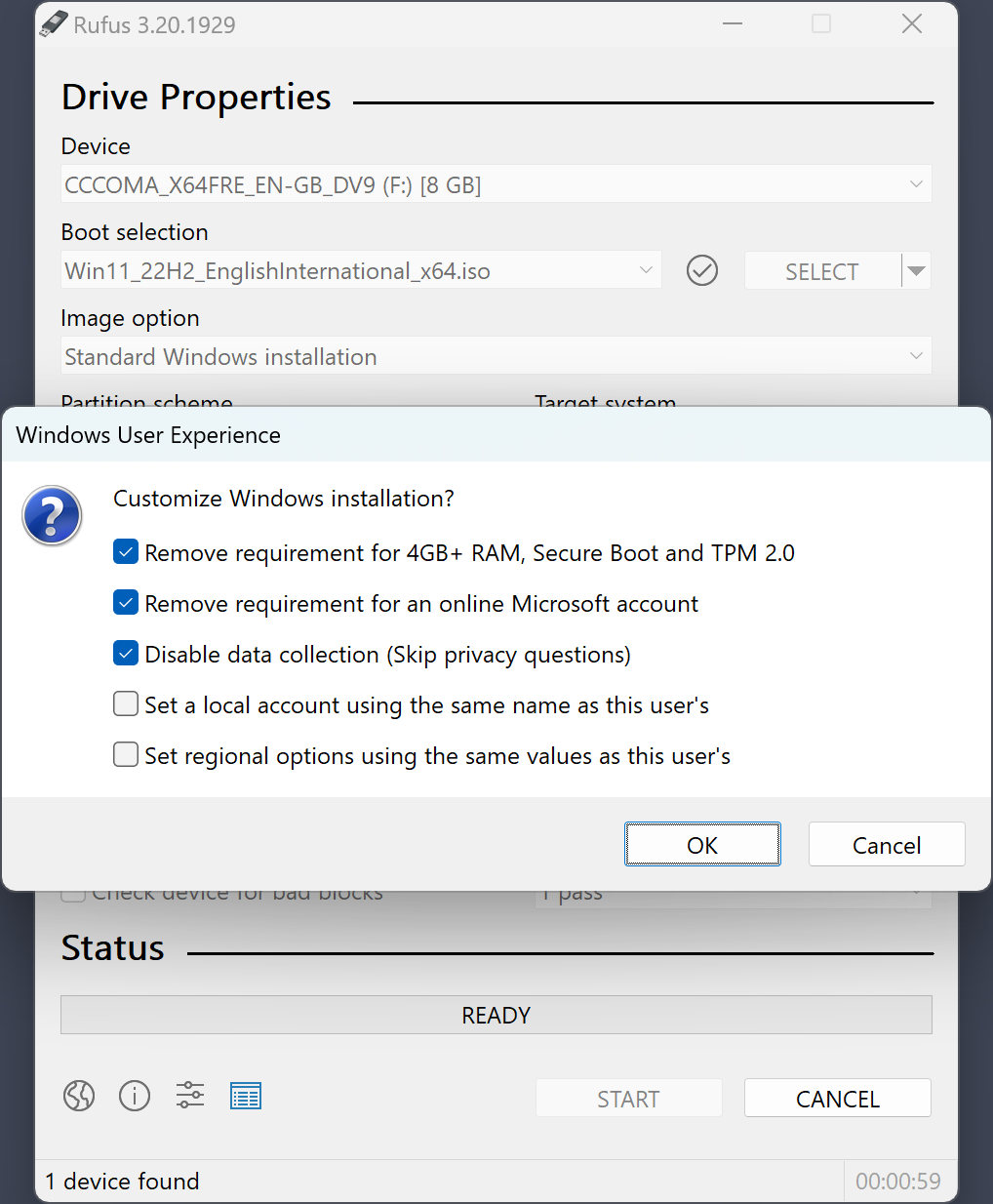
Rufus ARM64 Windows 11 bootable USB creator running on Surface Pro X
Rule of thumb: if you are not sure what CPU your machine has, it's almost certainly Intel or AMD x64 — which means you want the standard x64 build.

Native ARM64 Rufus — designed for Windows on ARM

Signed, 4.9 MB, no installer. Same features as x64, faster on Snapdragon.

Download Rufus ARM64 4.13 →