Both write ISO images to USB. They disagree on nearly everything else — UI philosophy, platform reach, feature depth, speed. Rufus is the power tool; BalenaEtcher is the friendly one.
Install Rufus when you work on Windows and want control — Windows 11 installer media, UEFI versus BIOS choices, partition scheme tuning, persistent Linux partitions.
Install BalenaEtcher when you are on macOS or Linux, or when you just want the simplest three-click experience possible.
BalenaEtcher wins on cross-platform convenience and safety rails. Rufus wins on speed, Windows 11 support, footprint and power-user features.
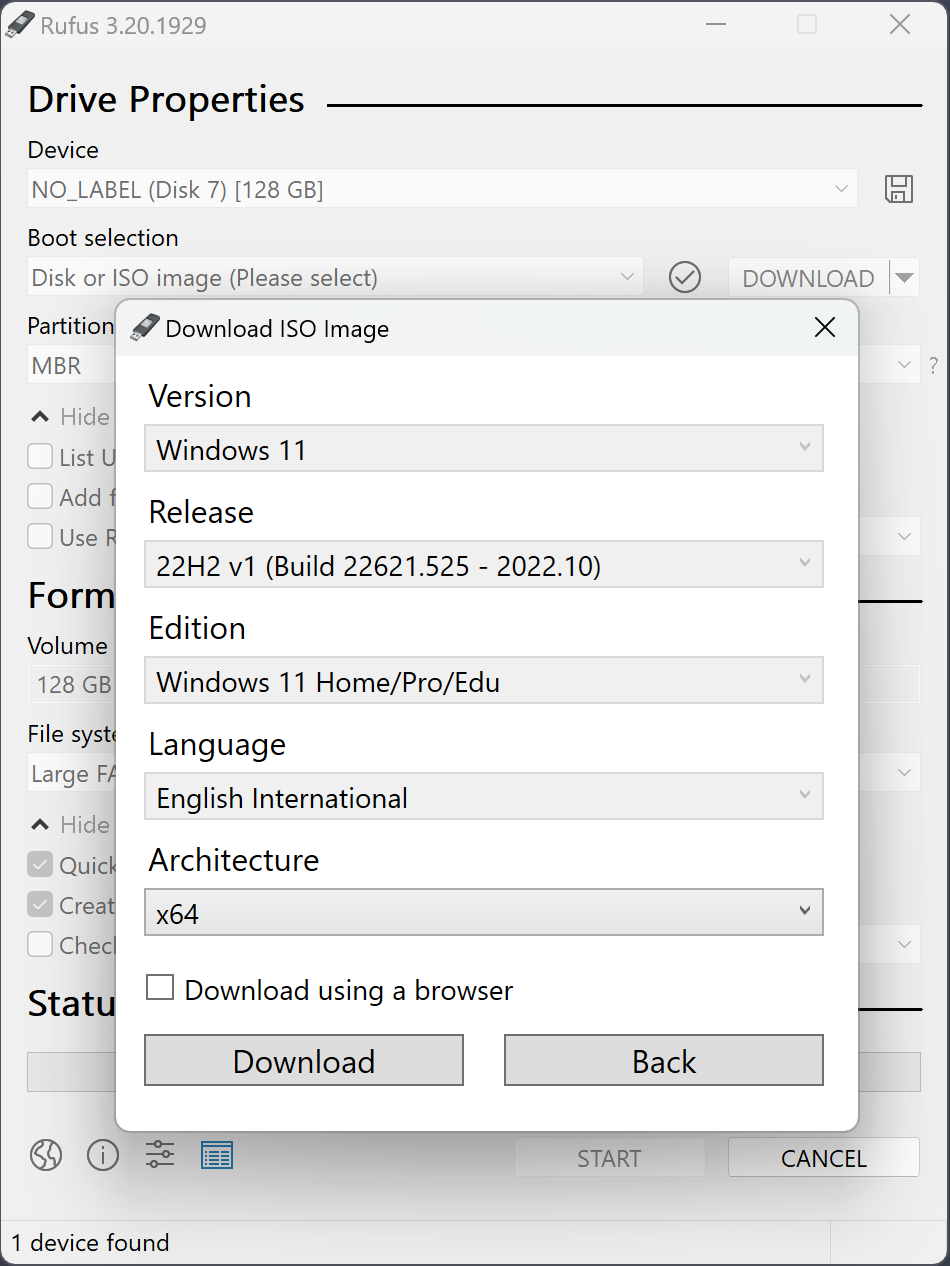
Every practical difference, in one table.
| Rufus 4.13 | BalenaEtcher 1.19 | |
|---|---|---|
| Platforms | Windows only | Windows, macOS, Linux |
| File size | 1.9 MB .exe | 150+ MB (Electron app) |
| Installation | None — single .exe | Installer on Windows, DMG on Mac |
| Launch time | Under 1 second | 3–5 seconds (Electron cold start) |
| Windows 11 bypass | Built-in toggle | Not supported |
| Partition scheme | GPT / MBR switch | Auto only |
| File system | NTFS, FAT32, exFAT, UDF, ReFS | Auto only |
| Linux persistence | Supported (Ubuntu-based) | Not supported |
| Speed (5 GB ISO, USB 3.0) | 7–10 min | 12–18 min |
| RAM while running | ~30 MB | ~350 MB |
| Open source | GPL v3 | Apache 2.0 + opt-out analytics |
| Telemetry | None | Opt-out analytics |
| UI complexity | One dense screen | Three-step wizard |
| Multi-drive writes | No | Yes — flash several at once |
This is the deciding feature for a lot of people. Rufus has a dedicated dialog to strip TPM, Secure Boot and RAM checks from the Windows 11 installer — impossible to replicate in BalenaEtcher without editing the ISO by hand.
On the same hardware and USB stick, Rufus finishes writing a Windows 11 ISO 30–50 % faster. Rufus writes at raw partition level; BalenaEtcher uses verify-as-you-go.
1.9 MB vs 150+ MB. BalenaEtcher is a full Electron application. Doesn't matter for occasional use, matters a lot if Rufus lives on a USB stick next to your ISOs.
Partition scheme, file system, cluster size, label, bad-blocks check, persistent partition slider — all in one screen. BalenaEtcher deliberately hides these.
Rufus phones home only to check for updates (opt-out). BalenaEtcher ships with analytics that you have to manually disable in settings.
Signed by Akeo Consulting, 14 years on the market, GPL v3. Gets through security approval cycles faster than Electron-based challengers.
Rufus is Windows only. If you work on a Mac or on Linux, BalenaEtcher is one of the cleanest cross-platform options available.
Three steps: pick image, pick drive, flash. No checkboxes, no radio buttons, no terminology. Great for infrequent users who don't want to know what GPT means.
BalenaEtcher validates every written byte after the flash. Catches bad USB sticks before you discover the problem at 2 AM in a broken machine.
Writing the same ISO to several USB sticks simultaneously. Useful for schools and workshops distributing live Linux to a classroom.