Archive · Signed builds from GitHub

Rufus Old Versions
— Archive of Previous Releases

Sometimes the current build conflicts with a specific ISO, a corporate policy refuses a new binary, or you just want to reproduce a known-good result from last year. Links below point to the original signed releases on GitHub.

Before You Grab an Older Build

Consider whether your problem is really a regression or just unfamiliarity with the new UI. The current 4.13 release fixes security issues from earlier builds and is what we recommend by default.

That said, legitimate reasons to downgrade exist — this page has them.

When an older build actually helps

  • Regression in a specific ISO. Report it to the issue tracker, use the last known-good build while you wait for a fix.
  • Corporate approval only covers a previous build. Rare, but happens with locked-down IT.
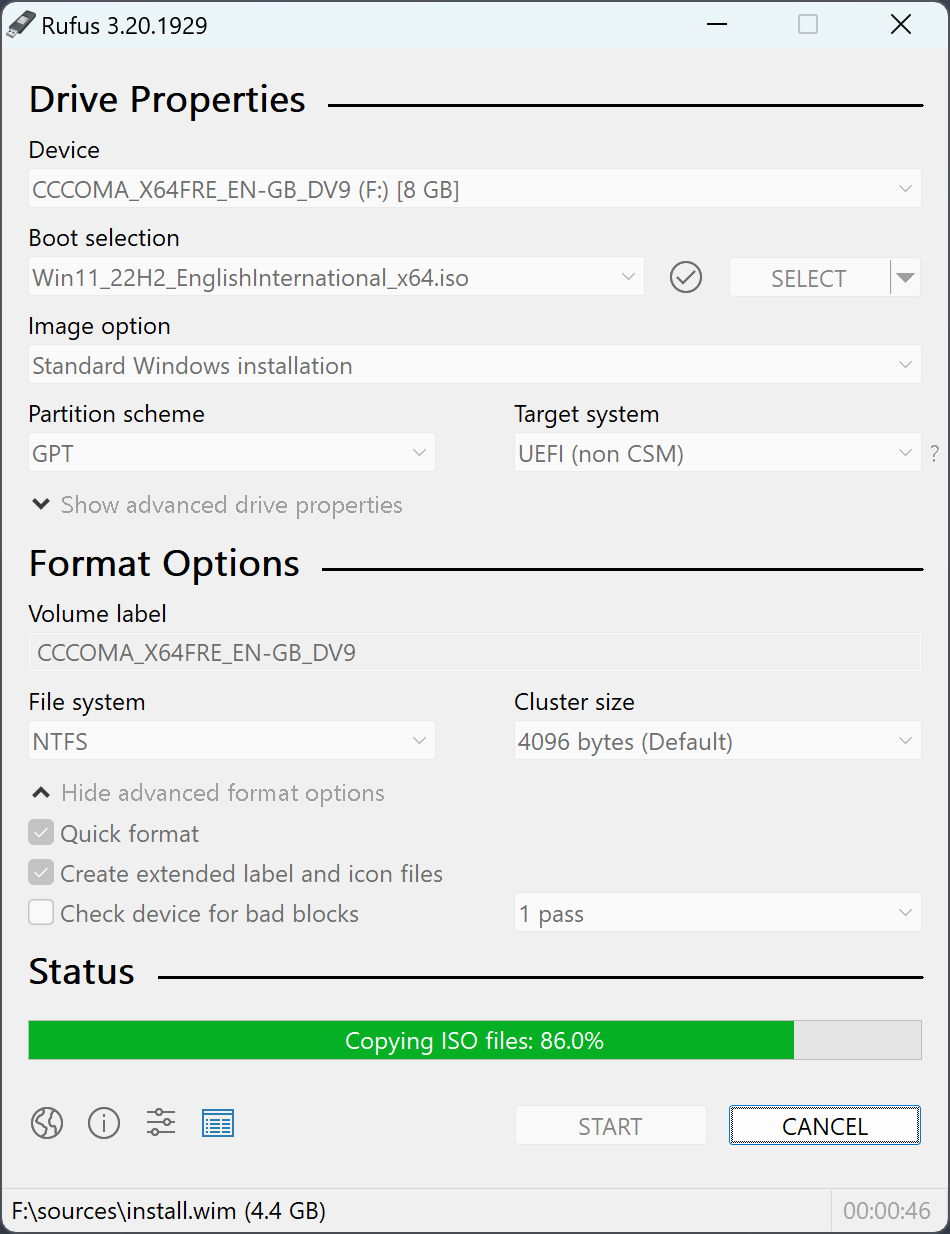
  • Reproducing older tutorial screenshots for documentation work.
  • Windows 7 support — see note below.
Rufus old versions archive download 4.12 4.11 4.10 bootable USB creator
About these files:
  • ✓ Original signed binaries from GitHub
  • ✓ Unmodified, not re-packaged
  • ✓ Akeo Consulting signature verified
  • ✓ Direct link to github.com releases

Rufus Version Archive

Each link takes you to the original GitHub release, not a local copy. Files are signed by Akeo Consulting.

📦

Rufus 4.12

Windows x64 · ~1.9 MB

rufus-4.12.exe — signed, portable executable from the official GitHub release.

Download 4.12
📦

Rufus 4.11

Windows x64 · ~1.9 MB

rufus-4.11.exe — signed, portable executable from the official GitHub release.

Download 4.11
📦

Rufus 4.10

Windows x64 · ~1.9 MB

rufus-4.10.exe — signed, portable executable from the official GitHub release.

Download 4.10
📦

Rufus 4.9

Windows x64 · ~1.9 MB

rufus-4.9.exe — signed, portable executable from the official GitHub release.

Download 4.9
📦

Rufus 4.8

Windows x64 · ~1.9 MB

rufus-4.8.exe — signed, portable executable from the official GitHub release.

Download 4.8

Windows 7 Support

Rufus 4.x requires Windows 8 or newer. For Windows 7, the last supported line is 3.22.

3.22 still creates Windows 10 and Linux installer media just fine — the features that 4.x added on top are mostly around Windows 11 (TPM bypass, etc.), which does not apply if you are running Windows 7 anyway.

Get it from the GitHub releases page — search for "3.22".

Rufus 3.22 for Windows 7

Last Rufus build that runs on Windows 7. Creates bootable USBs for Windows 10 and any Linux distro.

Get 3.22 on GitHub →
Get the latest 4.13 instead →

Latest Rufus 4.13 is usually the right call

Security fixes, faster writes, Windows 11 bypass dialog. Old versions only when you need a specific build.

Download Rufus 4.13 →