The 32-bit Rufus build is for legacy Windows installations. If your OS is 64-bit (most PCs since 2010 are), you should use the Standard x64 build instead.
On laptops, you can also open Settings → System → About. The System type line says the same thing.
Atom-based hardware that shipped with 32-bit Windows 8 or 10 because of RAM limits (usually 2 GB). Still out there, still boots.
Old Atom and Celeron based industrial PCs, POS terminals, kiosks. Often running 32-bit Windows 7 Embedded or 10 IoT.
Office machines from 2010–2012 that were spec'd with 2 GB RAM. The CPU is 64-bit capable but Windows was installed as 32-bit.
Windows 11 ships only in 64-bit. If you are on Windows 11, always use the x64 build — the x86 build will not install on Windows 11.
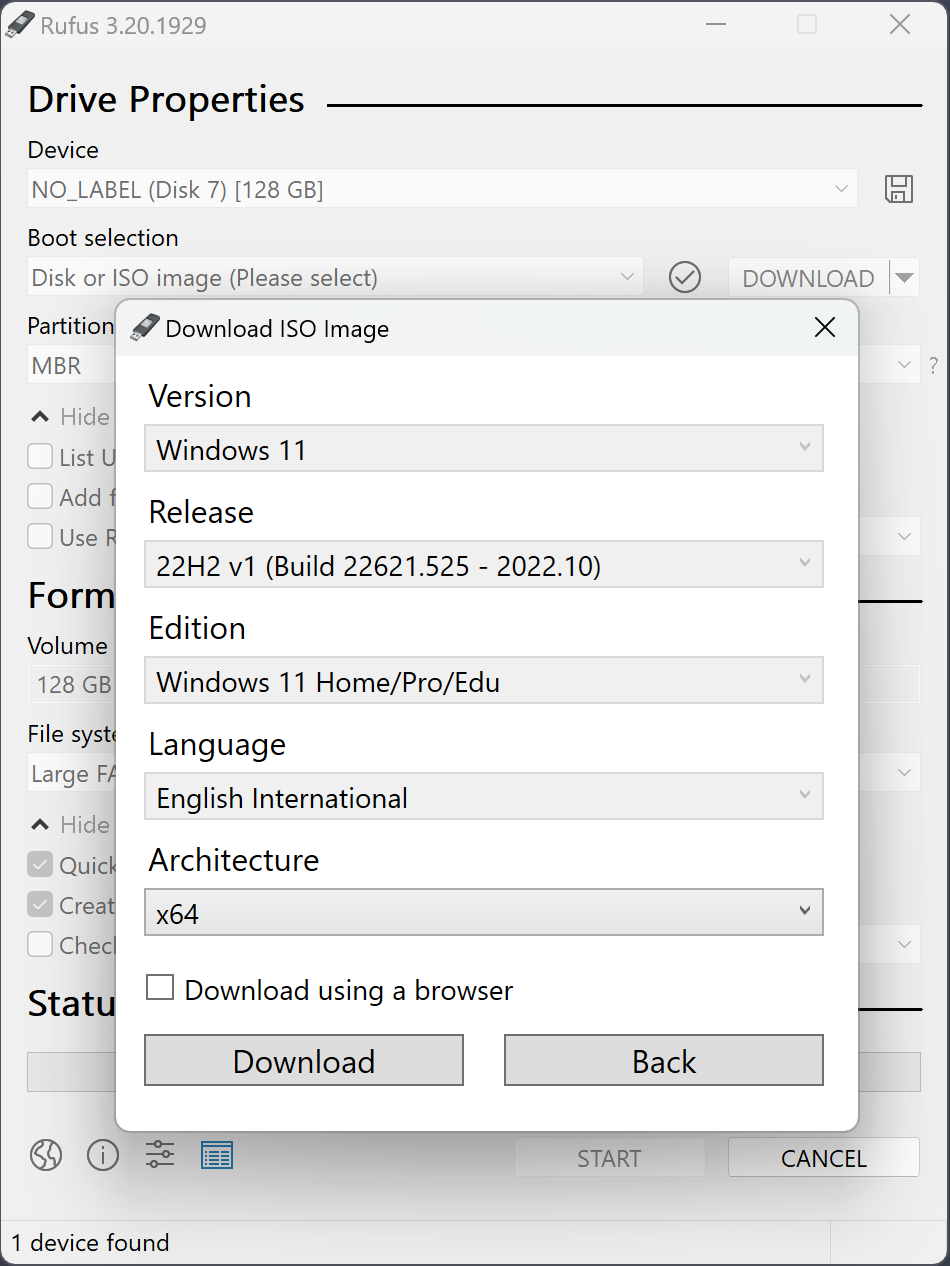
The Rufus build you run has nothing to do with what's on the ISO. 32-bit Rufus can happily write a 64-bit Windows 11 ISO to USB — which you then boot on a 64-bit machine.
Microsoft dropped 32-bit Windows at version 11. If you want to run Windows 11 on an old machine, the OS itself must be 64-bit. The 32-bit Rufus just lets you create the USB from a 32-bit host.
Current Rufus 4.x line still builds an x86 binary, but future versions may drop it if Microsoft deprecates 32-bit Windows entirely. For now, the build is maintained.