Opened Rufus, the Device dropdown is empty or your stick is not in the list. Here are the fixes in order from "30 seconds" to "you have a hardware problem".
Before diving into fixes: make sure Rufus is actually running, the USB is actually plugged in, and List USB Hard Drives is enabled in Rufus settings (small chevron next to Device).
If your stick still does not appear, go through the 8 checks below. They are ordered from most common to least common — the first few solve 80 % of cases.
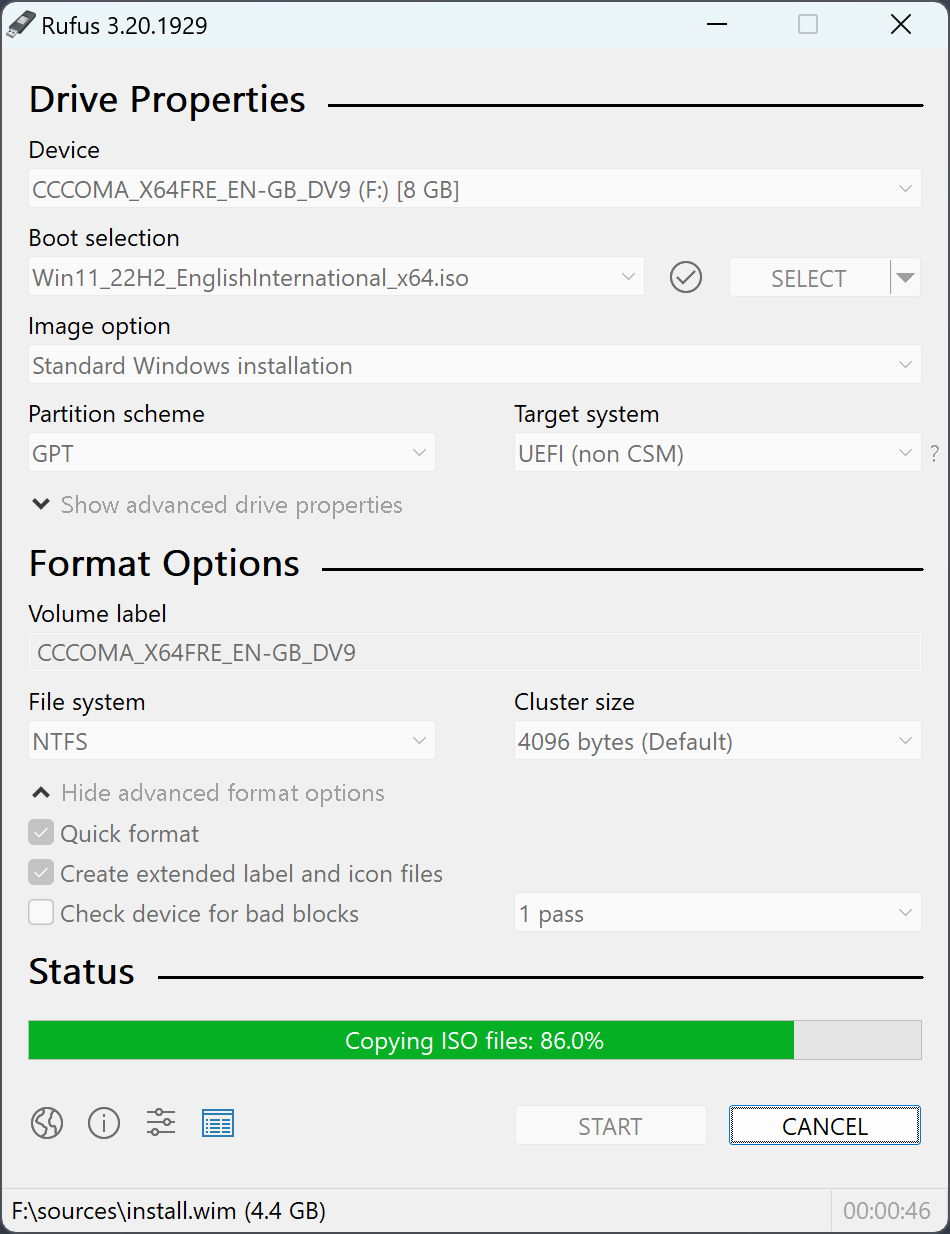
Try them top to bottom. Most people get fixed at step 1 or 2.
Front-panel USB ports on desktops are wired through extension cables that sometimes cause flaky detection. Try a port directly on the motherboard back panel. On laptops, a USB-C to USB-A adapter occasionally drops the device — use a native USB-A port if you have one.
Rufus does low-level partition writes that some USB hubs choke on. Plug the stick directly into the computer for the duration of the write. After Rufus finishes, you can move it back to the hub.
SD cards in adapters often have a tiny physical lock switch. To check the software side: open Disk Management (Win + X → Disk Management). If the disk shows up but is marked read-only, run an elevated PowerShell:
diskpart
list disk
select disk N (N = your USB)
attributes disk clear readonly
exit
Newer USB sticks sometimes report themselves as "fixed" disks instead of "removable". In Rufus, click the small dropdown arrow on the right of the Device row and enable List USB Hard Drives.
If the USB has an exotic filesystem (BTRFS, ZFS) or a leftover boot sector from a previous flash, Windows sometimes fails to surface it cleanly. Open Disk Management, find the disk, right-click → Delete Volume. Then reopen Rufus.
Windows occasionally loses the generic USB mass storage driver. In Device Manager (Win + X → Device Manager), find Universal Serial Bus controllers, right-click the USB stick entry, choose Uninstall device, then unplug and replug. Windows reinstalls the driver fresh.
USB sticks die. Symptoms: appears for a moment then vanishes, shows in Disk Management but Rufus refuses to write, write fails partway through. Plug into another machine to confirm. If the stick is dead, replace it — repair tools rarely work for failed flash memory.
Rufus needs admin rights to format and write boot data. UAC normally asks at launch — but if your account has UAC disabled or restricted, elevation may silently fail. Right-click rufus-4.13.exe → Run as administrator explicitly.
The Rufus author maintains an active issue tracker on GitHub. Search for your USB model — chances are someone reported the same problem already.
Detection logic improves with most releases. If you are on an older version, grab the latest 4.13 from our download page.
Process of elimination. If a second USB stick appears in Rufus but the first does not, the problem is the first stick, not Rufus.